How to Sell Products Online in India: A Step‑by‑Step Guide (2026)
Category: Guides
How to Sell Products Online in India: A Step‑by‑Step Guide (2026)
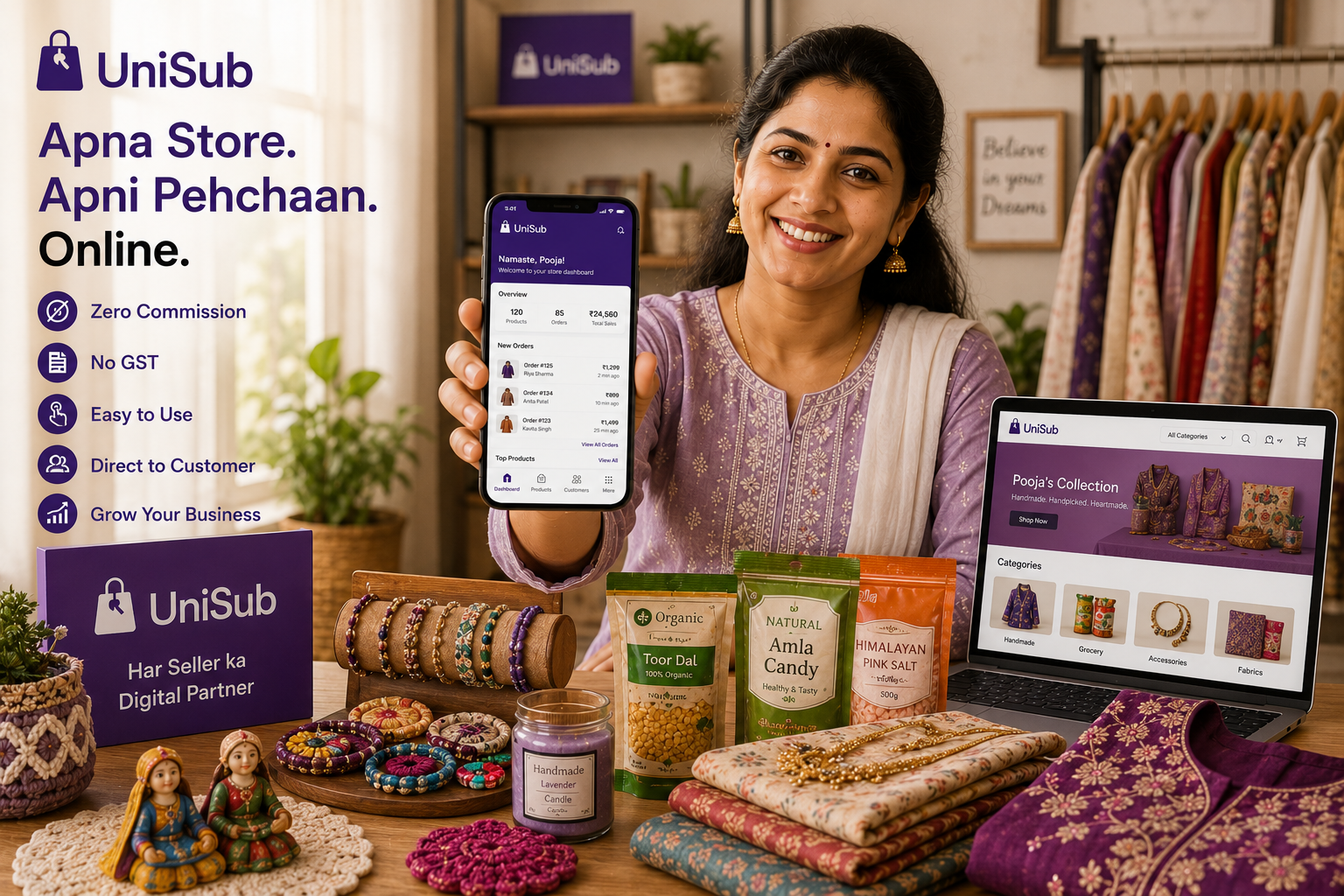
How to sell products online India is a question every small shopkeeper, homemaker, student, or budding entrepreneur asks today. With India’s e‑commerce boom, you no longer need a huge investment or a physical shop to start earning. You can sell groceries, clothes, jewellery, handmade crafts, or daily essentials directly from your home — all you need is the right platform. UniSub is built exactly for this: a local subscription platform that gives you a free, branded online store, zero commission, direct customer contact, doorstep delivery, and subscription tools. This step‑by‑step guide will show you everything you need to know to start, grow, and succeed in selling online — without technical headaches or hidden fees.
Why Selling Products Online in India is a Game‑Changer
Indian customers now prefer shopping online — from groceries to festive outfits. By taking your business online, you unlock:
- Wider Reach: Sell across your city, state, or entire India — no location barriers.
- 24/7 Availability: Your store never closes; orders come in while you sleep.
- Lower Costs: No expensive shop rent, no extra staff — just your inventory and a smartphone.
- Better Growth: Direct customer data and subscription tools help you build repeat sales and a loyal brand.
Different Ways to Sell Online – Which One Gives You the Most Control?
Before you start, it’s important to understand the three common paths and their real‑world trade‑offs:
| Method | Best For | Control | Key Drawback |
|---|---|---|---|
| Large Marketplaces | Quick start, high traffic | Low | High commissions (15‑30%), no customer data, your brand gets lost |
| Social Media (WhatsApp, Instagram) | Beginners testing the waters | Medium | Manual orders, payment uncertainty, no professional storefront |
| Your Own UniSub Store | Long‑term growth & brand building | High | None – zero commission, full customer data, direct relationship |
While marketplaces and social media have their place, your own branded online store is the only path that gives you complete ownership of your business. UniSub makes creating that store faster than ordering a pizza — and completely free.
The Smartest Platform for Indian Sellers – UniSub
UniSub is a local subscription platform and digital marketplace designed for Indian small businesses. It’s not a complex website builder or a commission‑heavy marketplace. When you create your store on UniSub, you get:
- Zero Commission: 100% of every sale goes straight to your bank account — no cuts, no hidden fees.
- Free, Instant Setup: Launch your branded store in under 10 minutes from your phone. No coding, no developer.
- Full Customer Data: You receive the buyer’s phone number and order history, so you can build relationships and encourage repeat orders.
- Built‑in Doorstep Delivery: Use your own delivery staff or UniSub’s local delivery network to reach customers across your city and beyond.
- Subscription Engine: Create weekly or monthly product boxes — like “Daily Dairy & Bread” or “Monthly Beauty Kit” — to lock in recurring revenue automatically.
- Local Discovery: Your store appears when nearby customers search to buy from nearby stores online, making you the neighbourhood’s go‑to shop.
- Mobile‑First Dashboard: Add products, track orders, chat with customers — all from your smartphone, anytime.
Whether you’re in Shamli, Noida, Delhi, Gurugram, Pune, or anywhere in NCR, UniSub helps you support local businesses India while building a digital brand that truly belongs to you.
Step‑by‑Step Guide: How to Sell Products Online India with UniSub
Step 1: Decide What to Sell
You can sell anything your shop already stocks or that you can create from home. Popular categories include:
- Groceries & Daily Essentials
- Fashion & Clothing
- Jewellery (artificial, traditional, silver)
- Beauty & Personal Care
- Handmade Crafts & Home Décor
- Pooja Samagri & Festive Items
- Electronics, Books, Gifts, and more
Start with products you know well. It’s easier to answer customer queries, maintain quality, and build trust when you’re passionate about what you sell.
Step 2: Create Your Free UniSub Store in Minutes
Download the UniSub merchant app or visit the website. Register with your mobile number, choose your shop name, and fill in basic details. There’s no paperwork, no upfront cost, and no technical requirement. In under 10 minutes, your branded store is live. You can customise your store with a logo, cover image, and business hours to make it look professional.
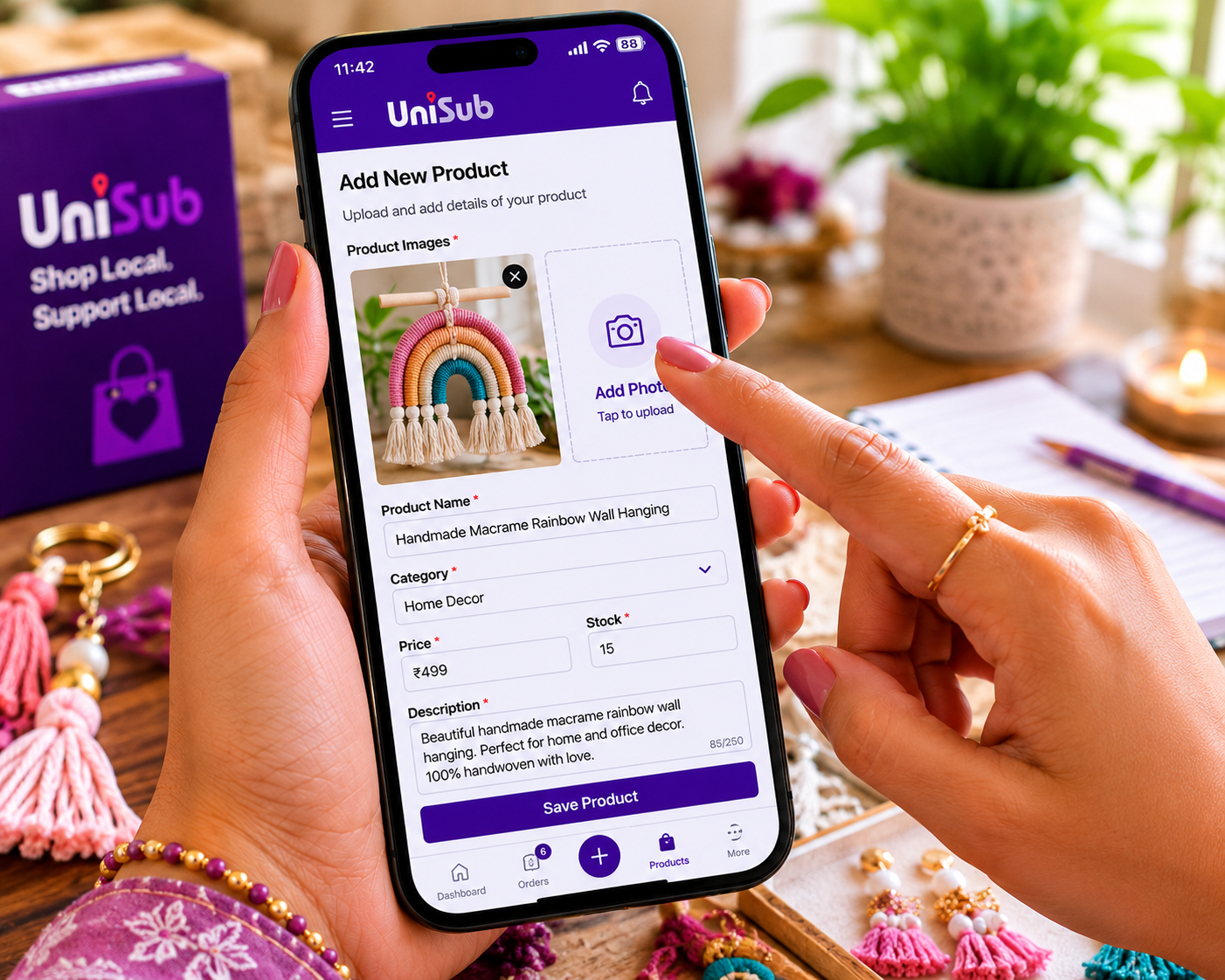
Step 3: List Your Products with Clear Photos and Descriptions
Use your phone to capture products in natural light against a clean background. For each product, add:
- Product name
- High‑quality images (2‑4 per product)
- Price (covering your cost + desired margin)
- Short description (material, size, usage tips)
UniSub lets you upload as many products as you want. Aim to list at least 10‑15 items to make your store look complete and inviting.
Step 4: Set Up Payments and Delivery
Connect your bank account or UPI ID to receive payments directly. UniSub supports all major payment methods — UPI, debit/credit cards, net banking — and you can also offer Cash on Delivery for local orders. For delivery, you can pack and dispatch yourself, or use UniSub’s integrated local delivery partners. Your customers enjoy fast doorstep delivery, and you stay in complete control.
Step 5: Promote Your Online Store and Attract Customers
A store alone won’t bring sales; marketing is key. Here’s how to start without spending on ads:
- Share your store link on WhatsApp status, family groups, and Instagram bio.
- Use the QR code provided by UniSub — print it on product packaging, visiting cards, or your shop counter to convert offline customers into online buyers.
- Post regularly on social media about new arrivals, offers, and customer reviews.
- Leverage UniSub’s local discovery — your store appears when people in your area search for “nearby stores,” bringing you free organic traffic.
- Run discounts and coupons for first‑time buyers to encourage that crucial first order.
Step 6: Manage Orders, Delight Customers, and Grow
Track every order from your dashboard. Respond to customer queries promptly — UniSub gives you direct contact, so you can build personal relationships. Offer easy returns or replacements when needed, and always ask satisfied buyers for a review. Positive feedback builds credibility and attracts more shoppers.
As you grow:
- Analyse your best‑selling products and stock more of them.
- Add complementary items (if you sell tea, add tea cups or kettles).
- Launch subscription boxes: This is UniSub’s superpower. Create a “Monthly Snack Box” or “Weekly Veggie Crate.” Customers subscribe, and orders repeat automatically — giving you predictable, recurring income without any extra effort.
Offline Shop vs. UniSub Online Store – What Changes?
| Aspect | Traditional Offline Shop | UniSub Online Store |
|---|---|---|
| Reach | Only walk‑ins nearby | Pan‑India, 24/7 |
| Cost | Rent, electricity, staff | Free store, zero commission |
| Customer Data | No systematic record | Full phone numbers, order history |
| Repeat Orders | Memory‑based, irregular | Subscription engine – automatic, predictable |
| Brand Building | Limited to locality | Google visibility, social sharing, national presence |

Frequently Asked Questions
1. Can I really sell products online India without a GST number?
Yes. If your annual turnover is below the GST threshold (₹40 lakh for most goods) and selling wihtin State , you don’t need GST registration. UniSub welcomes eligible non‑GST sellers with a simple Enrollment ID based setup. You can always register for GST later when your business scales.
2. How much does it cost to start selling on UniSub?
It’s completely free to create your store, list products, and accept payments. UniSub charges zero commission on every sale, and there are no monthly subscription fees. You keep 100% of your earnings.
3. Do I need technical skills or a website?
Not at all. UniSub’s mobile‑first dashboard lets you build and manage your entire store from your phone — no coding, no domain, no developer required.
4. How will customers find my store?
Share your unique store link and QR code on WhatsApp, Instagram, and Facebook. Your store also appears in UniSub’s local search results when nearby customers look for “buy from nearby stores online,” driving free organic traffic.
5. Can I offer Cash on Delivery and online payments?
Yes. UniSub supports UPI, cards, net banking, and Cash on Delivery. Payments go directly to your bank account without any middleman.
6. How does the subscription model help me?
You can create recurring product bundles (e.g., “Weekly Milk & Bread,” “Monthly Jewellery Box”). Customers subscribe once, and orders are generated automatically on a schedule you set. It transforms unpredictable sales into steady monthly income.
7. What if I need help or have questions?
UniSub’s dedicated seller support team is always ready to assist you — from store setup to order management. You’re never alone on your digital journey.
Ready to Sell Products Online India? Start Your Free UniSub Store Today
Thousands of local shopkeepers, homemakers, and creators have already started their online journey with UniSub. Create your own branded store now — zero commission, direct payments, doorstep delivery, and subscription tools — all free.
Create Your Free UniSub StoreYour shop, your rules, your profit. Let India discover your products.
Related Resources & Internal Links
- Reseller Platform vs Apna Online Store – Kaunsa Better Hai?
- Online Dukaan Kaise Khole – Apna Online Store Banaye (Step‑by‑Step)
- Sell Products Online Without GST India – Beginner’s Guide
- Ghar Baithe Online Business Kaise Start Kare – Bina Investment Ke
- How UniSub is Revolutionising Local Commerce in India
Your journey from a local seller to a recognized brand begins with one click. Download the UniSub merchant app or sign up today — we’re with you at every step.