A Complete Guide to Sell Products Online – And How to Get a Free Website with UniSub
Category: Guides
A Complete Guide to Sell Products Online – And How to Get a Free Website with UniSub
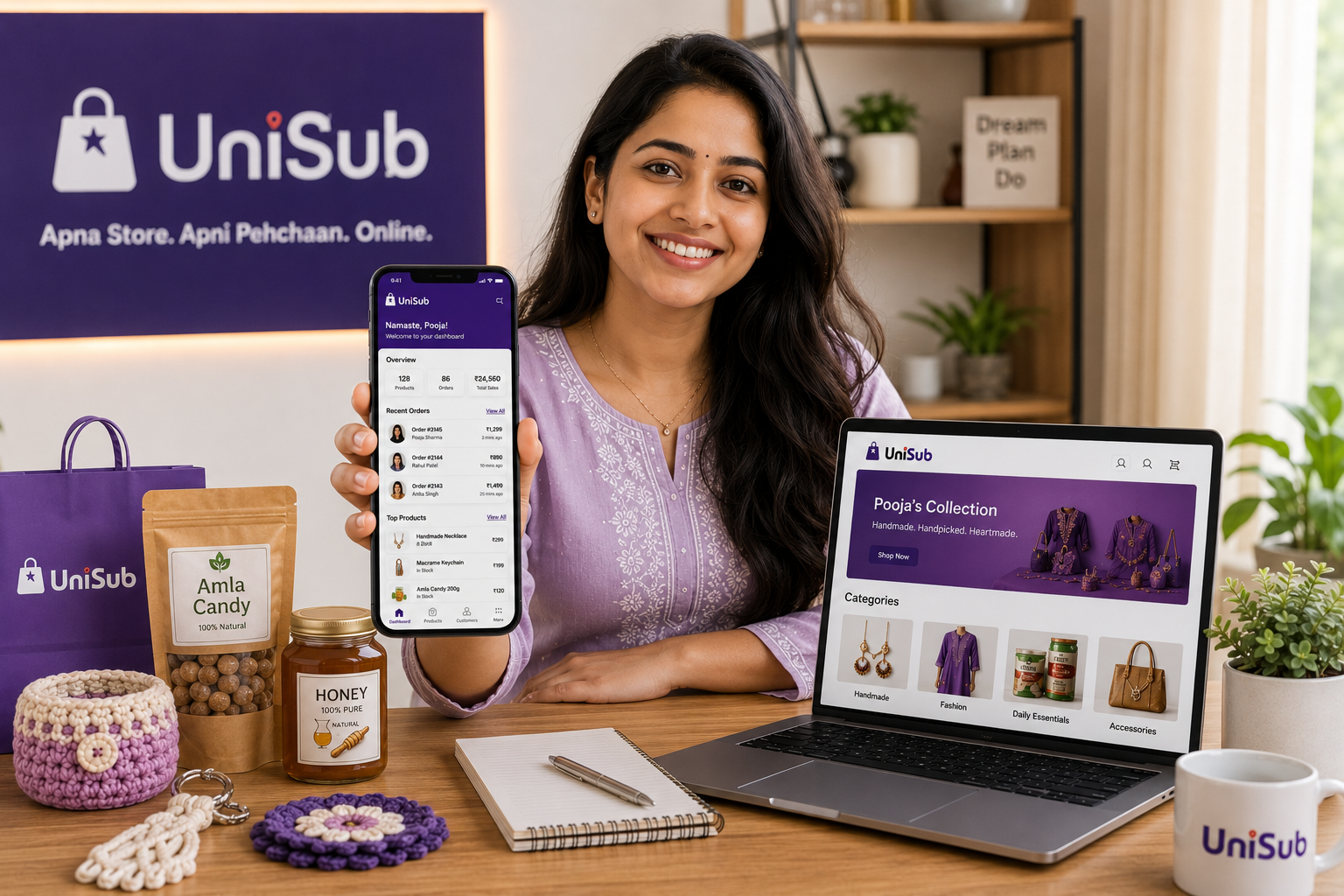
Selling products online has become the most exciting and practical way to reach customers, whether you’re a homemaker, a small shopkeeper, a student, or an artist. But for many, the journey stops before it begins because building a website seems expensive, complicated, or full of hidden fees. That’s where UniSub changes the game. It’s a local subscription platform that gives you a completely free, zero‑commission branded website where you can list your products, accept payments, deliver to doorsteps, and even create subscription boxes for recurring income – all without any technical skills. This guide will walk you through exactly how to sell products online free website with UniSub, from picking your products to scaling your business.
Why UniSub Is the Smartest Way to Get a Free Online Selling Website
Most “free website” offers come with a catch – commissions on every sale, mandatory upgrades, or a lack of delivery support. UniSub was built specifically for Indian small businesses, and it gives you a complete, professional store with these unmatched benefits:
- 100% Free, Forever: No setup fees, no monthly charges. Your store is live in 10 minutes.
- Zero Commission: Every rupee a customer pays goes directly to your bank account. You keep all your profit.
- Full Customer Data: Get the buyer’s phone number and order history – build relationships, not just transactions.
- Built‑in Payment Gateway: Just add your bank details; UniSub handles UPI, cards, net banking, and even Cash on Delivery.
- Flexible Doorstep Delivery: Choose to deliver yourself, let customers pick up, or use UniSub’s local delivery network.
- Subscription Engine: Create “Weekly Grocery Kits”, “Monthly Beauty Boxes”, or “Festive Hampers” – customers subscribe once and orders repeat automatically. This generates predictable recurring income.
- Local Discovery & SEO: Your store gets indexed on Google and appears in UniSub’s local search when nearby customers look to buy from nearby stores online.
Whether you’re in Shamli, Noida, Delhi, Gurugram, Pune, or anywhere in NCR, UniSub helps you support local businesses India while building a digital brand that’s truly yours.
Step‑by‑Step: How to Sell Products Online with a Free UniSub Website
1. Choose the Right Products
Start with what you know and love. If you already run a shop, bring your existing inventory online. If you’re new, consider products that are in daily demand and easy to pack. Popular categories on UniSub include:
- Groceries & daily essentials
- Homemade snacks, pickles, bakery items
- Fashion clothing, jewellery, and accessories
- Beauty & skincare products
- Handicrafts, gifts, and home décor
- Pooja samagri and festive items
Focus on products that solve a problem or bring joy. Your passion will show in your listings and customer interactions.
2. Set Up Your Free UniSub Store (It Takes Minutes)
Download the UniSub merchant app or visit the website. Register with your mobile number, pick a shop name, and fill in a few details. There’s no coding, no domain purchase, and no upfront cost. Your storefront is live almost instantly. You can customize it with a logo, cover image, and business hours to make it look professional.
3. Create Compelling Product Listings
Use your smartphone to take clear photos in natural light. For each product, write a simple description – mention size, material, and what makes it special. Set a fair price that covers your cost and leaves a healthy margin. UniSub’s dashboard makes uploading and editing products extremely easy, even if you’re not tech‑savvy.
4. Activate Payments and Delivery
Add your bank account or UPI ID to start accepting payments instantly. UniSub’s integrated payment system supports all major methods. For delivery, you have three flexible options:
- Self‑pickup: Let local customers collect orders from your shop or home.
- Own delivery: Handle deliveries yourself and offer same‑day service.
- UniSub delivery: Use the platform’s reliable delivery partners for doorstep shipping across the city and beyond.
Clear communication about shipping times and costs builds trust and reduces cart abandonment.
5. Market Your Store Without a Big Budget
- Share your store link and QR code on WhatsApp, Instagram, and Facebook.
- Post regularly about new products, behind‑the‑scenes stories, and customer testimonials.
- Leverage UniSub’s local discovery – your store appears when people search for “nearby stores,” bringing free organic traffic.
- Run introductory discounts using UniSub’s coupon system to encourage first‑time orders.
6. Deliver Excellent Customer Service
Answer queries quickly – UniSub gives you direct customer contact, so you can build personal connections. Process orders neatly, offer easy returns if needed, and always ask for reviews. Positive word‑of‑mouth and high ratings become your best marketing tools.
7. Scale with Subscription Boxes
Once you have a base of regular buyers, launch a subscription box. For example, a home baker could offer a “Weekly Surprise Dessert Box”. Customers subscribe, and UniSub automatically generates orders on your chosen schedule. This turns unpredictable sales into stable monthly income – a feature rarely found on other platforms.
💜 Real Story: A spice seller from Delhi started his UniSub store with 12 products. By sharing his QR code in local WhatsApp groups, he gained 30 regular customers within two weeks. He then launched a “Monthly Organic Masala Box” subscription, and today he serves 70+ subscribers every month – all without paying a single rupee in commission.
Traditional Platforms vs. UniSub Free Website
| Aspect | Large Marketplaces | DIY Website Builders | UniSub Free Website |
|---|---|---|---|
| Setup Cost | Often free, but complex | ₹2,500–₹10,000+/month | Free, no monthly fees |
| Commission | 15–40% per sale | None, but high overhead | Zero commission |
| Customer Data | Hidden | You own it | Full ownership – phone, history |
| Built‑in Delivery | Rigid, platform‑controlled | Separate apps needed | Local doorstep delivery integrated |
| Subscription Sales | Not available | Expensive add‑on | Built‑in, ready to use |
Frequently Asked Questions
1. Can I really get a completely free website to sell products online?
Yes, UniSub provides a full‑featured online store without any setup charges, monthly fees, or commissions. You keep 100% of your sales revenue.
2. Do I need technical skills to set up my UniSub store?
Not at all. The platform is designed for shopkeepers. You can build and manage your entire store from a smartphone – it’s as easy as using WhatsApp.
3. What about GST? Is it required?
If your annual turnover is below ₹40 lakh (for goods) and selling within state. , GST is not mandatory. UniSub onboards eligible non‑GST sellers with a Enrollment ID‑based registration. You can register for GST later when your business scales.
4. How does delivery work with UniSub?
You have three options: let customers pick up orders, deliver them yourself, or use UniSub’s integrated delivery partners for doorstep shipping. You’re always in control.
5. Can I sell any type of product?
Yes. Groceries, fashion, jewellery, beauty products, handicrafts, electronics, books, homemade food – any category is welcome. There are no restrictions.
6. How do subscription boxes help me earn more?
You bundle products into a recurring box (e.g., “Weekly Fresh Fruit Basket”). Customers subscribe, and UniSub automatically generates repeat orders on your schedule, creating predictable monthly income.
Start Selling with Your Free UniSub Website Today
Now that you know how to sell products online free website, it’s time to turn that knowledge into action. Create your branded UniSub store in minutes, list your products, and start earning with zero commission, built‑in payments, doorstep delivery, and subscription power – all absolutely free.
Create Your Free UniSub Store NowYour products. Your brand. Your profit. No hidden costs – ever.